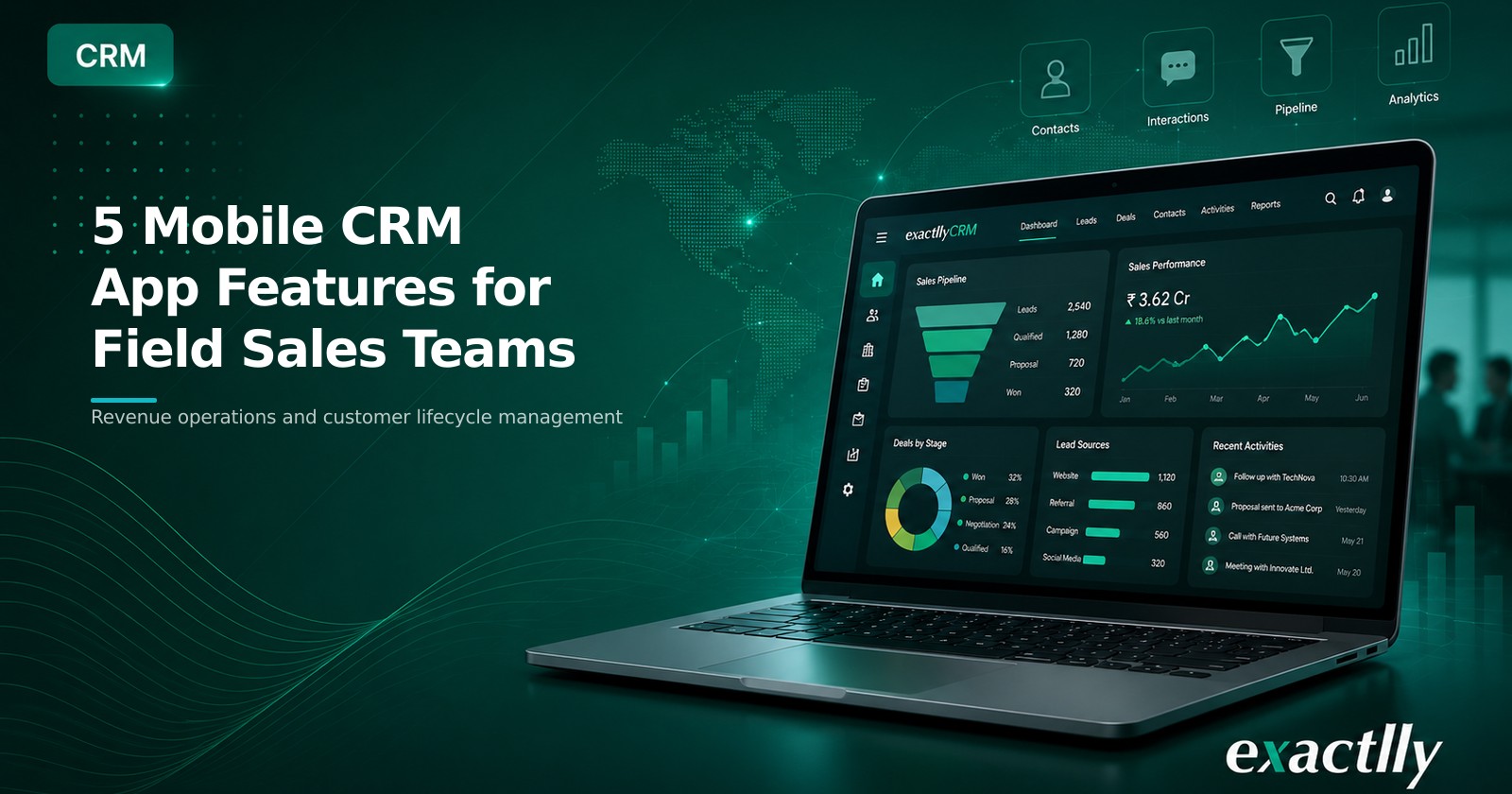
Evaluate a mobile CRM app using five practical criteria: notifications, offline sync, geolocation, email management and integrations for field sales.
A salesperson travelling between customer meetings may need to check an opportunity, record a discussion or reschedule a follow-up without returning to the office. When those updates are delayed, managers work with an incomplete pipeline, customer commitments may be missed and important context can remain in personal notes or message threads.
A mobile CRM app gives sales, marketing and customer-service teams access to customer information through smartphones, tablets and other connected devices. It complements desktop CRM access by supporting employees who work remotely, travel frequently or spend much of their day at customer locations.
However, mobile access alone does not make an application suitable for field sales. Buyers need to examine how the app supports daily activities, interrupted connectivity, travel planning, customer communication and changing workflow requirements.
This five-feature checklist provides a practical framework for comparing mobile CRM applications without relying on broad product claims.
Why a Mobile CRM App Matters for Field Sales
Field teams frequently work away from stable office networks. A sales representative may need to review a customer record before entering a meeting, update an opportunity immediately after a discussion or respond to a service query while travelling.
When mobile access is connected to the central CRM database, these activities can be recorded closer to the point at which they occur. This gives other team members more current information and reduces dependence on end-of-day updates, spreadsheets or informal messages.
Mobile CRM should not be treated as a universal replacement for desktop access. Desktop interfaces may remain more suitable for detailed reporting, administration or complex data entry. Mobile access is most valuable when it supports the specific tasks employees need to perform while away from their desks.
For a mobile CRM app for growing businesses, the selection decision should therefore begin with field workflows rather than a long feature list.
Baseline Capabilities to Expect
Before evaluating specialised functions, confirm that the application covers the routine work your field team performs. Depending on the organisation, this may include:
- Viewing customer, contact and lead records
- Updating leads, opportunities and activity status
- Using an integrated calendar to plan meetings and follow-ups
- Calling contacts directly from a customer record
- Reviewing dashboards and pipeline information
- Recording meeting outcomes and next actions
- Tracking and responding to customer queries
These capabilities provide the operating foundation. If employees still need separate tools for basic updates, the mobile interface may add another layer of work instead of improving the quality of CRM records.
The next step is to evaluate five capabilities that can distinguish a practical field-sales application from a limited mobile viewer.
Facing pipeline visibility or follow-up discipline issues?
See how exactllyCRM manages sales pipeline, lead management, and customer lifecycle workflows — built for operational businesses.
See how exactllyCRM brings discipline to your sales pipeline →Five Features to Evaluate
1. Notifications and Voice Notes
Missed follow-ups often occur because reminders are scattered across calendars, personal notes and messaging applications. Configurable notifications can keep due tasks, newly assigned activities, contact updates and opportunity events visible to the salesperson responsible for acting on them.
The evaluation should go beyond checking whether notifications exist. Buyers should determine which events can trigger them, whether users can control their preferences and whether alerts provide enough context to take the next action.
Voice-note or call-recording facilities can also support representatives who need to capture information between meetings. A salesperson leaving a customer site may record the discussion, requirements and promised follow-up rather than waiting to type a detailed note later.
Review how voice information is stored, associated with the correct customer or activity and made accessible to authorised colleagues. The feature should strengthen the activity record rather than create another collection of disconnected audio files.
2. Offline Access and Reliable Synchronisation
Field-sales work can be interrupted by weak connectivity, network loss or a depleted device battery. A mobile application cannot address every device-related interruption, but offline access can allow employees to continue working when an internet connection is temporarily unavailable.
Confirm which records, reports and tasks remain available offline. Some applications may permit users to view previously loaded information but restrict the creation or modification of records. Others may support updates, new tasks and activity notes while disconnected.
Offline work is useful only when saved changes synchronise reliably after connectivity returns. Buyers should test how the application handles background synchronisation, conflicting edits and partially uploaded records.
A useful pilot scenario is to disconnect a device, update an opportunity, create a follow-up task and then reconnect. The team can then verify whether each change reaches the central CRM record accurately and whether the user receives a clear warning when synchronisation requires attention.
3. Geolocation, Map Filters and Route Planning
Field representatives may spend a significant part of the day travelling between prospects, customers and service locations. When visit planning is maintained separately from CRM data, cancelled meetings can leave unused time and nearby opportunities may remain overlooked.
Location-based capabilities can connect customer records with maps, territories and planned visits. A representative may be able to view prospects near the current location, apply filters based on territory or customer category and arrange a practical sequence of meetings.
Route-planning functions may also help teams compare travel paths between customer locations. The business should verify whether the application supports its actual territory structure, data-privacy policies and visit-planning process.
Location access should have a defined operational purpose. Buyers should examine user permissions, consent requirements, data retention and the difference between locating customer records and tracking employees.
4. Email Tracking and Management
Email remains an important communication channel for many sales teams. When messages are separated from CRM records, colleagues may not know what was promised to a customer, which quotation was discussed or why an opportunity changed status.
A useful mobile email experience may include scheduling, reusable templates, consolidated sent and received messages, links between emails and deals, and access to previous conversation threads.
The objective is not merely to send an email from a phone. The application should preserve communication context around the relevant contact, lead or opportunity.
For example, an account manager preparing for a customer meeting should be able to review recent correspondence associated with the account. After the meeting, the manager may schedule a follow-up message, associate it with the relevant deal and retain the conversation history for other authorised team members.
Buyers should also check how the app handles attachments, duplicate messages, email-address changes and communications involving several contacts from the same organisation.
5. Integrations and Marketplace Extensions
A mobile CRM may need to work with communication, calendar or workflow tools already used by the sales team. An integration marketplace or extension ecosystem can broaden the available functions without requiring every capability to be built into the core application.
Depending on the vendor, edition and integration environment, extensions may support messaging templates, bulk communication or workflow automation. These capabilities vary and should be treated as optional selection criteria rather than standard functions in every application.
Buyers should verify that each required integration is available for the selected edition, works within the mobile interface and follows the organisation's access-control requirements. They should also examine implementation effort, data ownership, support responsibility and the effect of an extension being changed or discontinued.
Mobile CRM Feature Comparison Checklist
Use the following table during product demonstrations or pilot evaluations:
| Evaluation area | Operational problem to test | Questions to ask |
|---|---|---|
| Core mobile access | Updates are delayed until representatives return to their desks | Can users view and update customers, leads, opportunities, dashboards and service queries? |
| Notifications and notes | Follow-ups and meeting details are missed or recorded outside CRM | Which events trigger alerts, and can voice notes be linked to the correct activity? |
| Offline working | Field activity stops when connectivity is interrupted | Which records remain available offline, and how are saved changes synchronised later? |
| Geolocation and routes | Visits are planned without customer or territory context | Can users identify nearby prospects, filter maps and plan routes that match field needs? |
| Email management | Customer communication is separated from sales records | Can users schedule messages, use templates and connect email history to contacts and deals? |
| Extensions | Required communication or workflow functions are unavailable in the core app | Which integrations work on mobile, and what edition, permissions and setup do they require? |
The table can also be converted into a scored pilot sheet. Representatives should test each workflow using realistic customer records rather than relying only on a guided demonstration.
How to Compare Mobile CRM Apps Before Choosing
Start by documenting the roles that will use the application and the activities they perform outside the office. A field salesperson, regional manager, marketing employee and customer-service representative may require different records, alerts and permissions.
Next, identify the workflows that create the greatest operational risk. These may include missed follow-ups, incomplete lead updates, limited pipeline visibility, delayed quotations or customer conversations that are not attached to the relevant account.
During evaluation, ask users to complete practical tasks:
- Find a customer record and review the latest activity.
- Update a lead or opportunity after a meeting.
- Create a follow-up task and confirm that the reminder appears.
- Work without connectivity and verify synchronisation after reconnecting.
- Locate nearby prospects and plan a sequence of visits.
- Review an email thread and associate a new message with a deal.
- Confirm that required integrations work in the mobile interface.
Also review security controls, role-based access, device policies, data storage and administrative settings. A mobile application extends CRM information beyond the office, so access should match the employee's responsibilities.
The strongest choice is not necessarily the application with the longest feature list. It is the one that supports the organisation's field workflows, keeps customer information connected and provides dependable controls under realistic working conditions.
Common Selection Mistakes to Avoid
One common mistake is choosing an app after viewing only its interface. A polished demonstration may not reveal offline restrictions, synchronisation conflicts or missing permissions.
Another is assuming that every desktop function will be available on mobile. Buyers should identify which tasks genuinely need mobile access and test them separately.
Businesses may also overlook adoption conditions. If entering an update requires too many screens or important context is difficult to locate, representatives may continue using personal notes and messaging tools.
Finally, integrations should not be accepted at face value. Availability may depend on the product edition, operating system, third-party service or regional configuration. Each required connection should be verified during selection.